
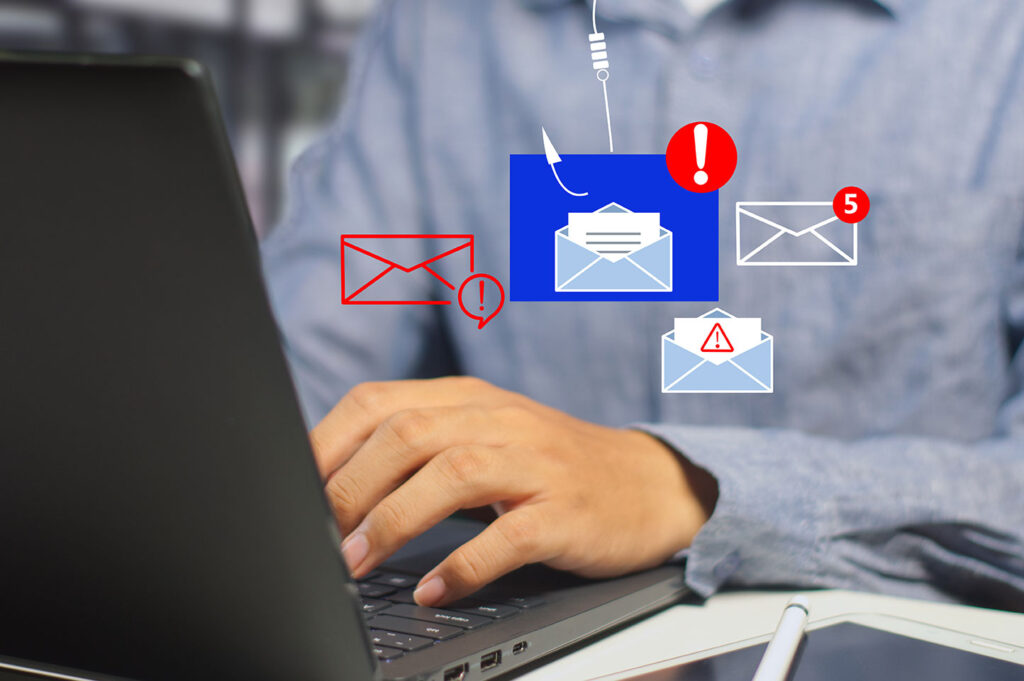
Beware of Dropbox Phishing Scams

Hacked Emails Phishing Cyber Image

Protect Your Microsoft Credentials

Dropbox is a widely used file-sharing service that many rely on to share photos, files, and documents. Unfortunately, cybercriminals are leveraging this trusted platform to execute phishing scams designed to steal your Microsoft credentials. Here’s how their latest scheme works—and how you can protect yourself.

The Scam in Action

In this phishing attempt, cybercriminals use Dropbox to send an email that appears to come from “Human Resources.” The email claims that a document containing sensitive information, such as salary and health insurance details, has been shared with you.

Since the email is a legitimate Dropbox notification, it adds a layer of credibility. The email contains a link to access the shared document, which features realistic Microsoft branding. However, clicking on the document’s link takes you to a fake Microsoft OneDrive login page.

If you enter your Microsoft credentials on this fake page, you won’t gain access to the promised information. Instead, cybercriminals will capture your login details, potentially leading to unauthorized access to your accounts and sensitive data.

How to Stay Safe

Protecting yourself and your organization from phishing scams requires vigilance. Follow these tips to stay one step ahead of cybercriminals:

  • Don’t Trust by Appearance:
    An email could be fake even if the sender’s email address uses a trusted domain like Dropbox. Cybercriminals can exploit legitimate platforms to make their scams more convincing.
  • Hover Before You Click:
    Before clicking any link, hover your mouse over it to reveal the actual URL. Be cautious of suspicious URLs that don’t match the sender’s claimed intent.
  • Verify Unexpected Emails:
    If you receive an email you weren’t expecting, especially one requesting sensitive information or action, verify its legitimacy with the sender through another trusted communication channel before clicking any links.


Strengthen Your Cybersecurity Awareness

Phishing scams are constantly evolving, making security awareness a critical skill for everyone. At Citynet, we’re committed to helping businesses and individuals stay secure. That’s why we offer KnowBe4 Security Awareness Training, a leading program that educates your team on recognizing and responding to phishing attempts and other cyber threats. With Citynet, you can connect, protect, and perfect your digital life. Stay vigilant, and don’t let cybercriminals take advantage of your trust!

Like This Post?

Facebook
X
LinkedIn
Email

More Posts

Cybersecurity Hacker Hoodie Image
Cybersecurity

How Long Attackers Stay in a Network Before They’re Discovered

When people imagine a cyberattack, they often picture a dramatic event — systems suddenly shutting down or files becoming encrypted. But many cyber incidents don’t unfold that way. In many cases, attackers quietly gain access to a network and remain there for weeks or even months before being discovered. This period is known as “dwell time.” During this time, attackers

Cybersecurity Alert Critical Image
Cybersecurity

5 Critical Mistakes to Avoid During a Cyberattack

Think your business may already be compromised? See the warning signs and response steps here Even well-intentioned actions can make a cyber incident worse Cyberattacks often unfold quickly, and the wrong response in the first few minutes can make an incident far more difficult to contain and investigate. When a cyber incident occurs, the natural reaction is to act quickly

Man Laptop Cybersecurity
Cybersecurity

How Most Cyberattacks Actually Start

It’s usually not a sophisticated hack — it’s a moment of trust. Many organizations imagine cyberattacks as highly technical breaches targeting servers or networks. In reality, most cyber incidents begin with something much simpler – a human mistake or a moment of misplaced trust. Cybercriminals increasingly focus on manipulating employees rather than breaking through technical defenses. Here are some of

Power Outages Image
Checklists

Protecting Devices Before the Next Storm

Stay Connected When the Power Goes Out High winds, heavy rain, lightning, ice, and even wildfires can knock out power in an instant. And when the power goes down, your internet connection usually goes with it. But what happens after the storm – when power is restored, and your devices don’t come back online? Power surges during outages and restoration

Blog Spring Clean Image
Checklists

Spring Clean Your Home Office (Inside and Out)

Spring is right around the corner. While you’re planning to declutter closets and organize the garage, don’t forget one of the most important spaces in your home — your office. A cleaner, more organized workspace doesn’t just look better; it also performs better. It can improve focus, boost productivity, reduce stress, and even help your devices perform more efficiently. This

Ticket Scam QR Image
Cybersecurity

You’ve Been Served… a Scam!

Beware of Fake Toll Violation Text Messages Cybercriminals are constantly evolving their tactics to trick people into giving up sensitive information. One of the latest scams circulating involves fake toll violation notices sent by text message. At first glance, the message looks convincing. It claims you have an unpaid traffic toll that must be paid immediately. The text often includes

SuperPod with WiFi 6E

Plume SuperPod WiFi 6E Specs

SuperPod with WiFi 6

Plume SuperPod WiFi 6 Specs

SuperPod

Plume SuperPod Secs

