Is Your Business Prepared?
Cyber threats are evolving, and one of the fastest-growing tactics right now is social engineering through trusted communication platforms.
Instead of trying to hack their way in, cybercriminals are increasingly talking their way in.
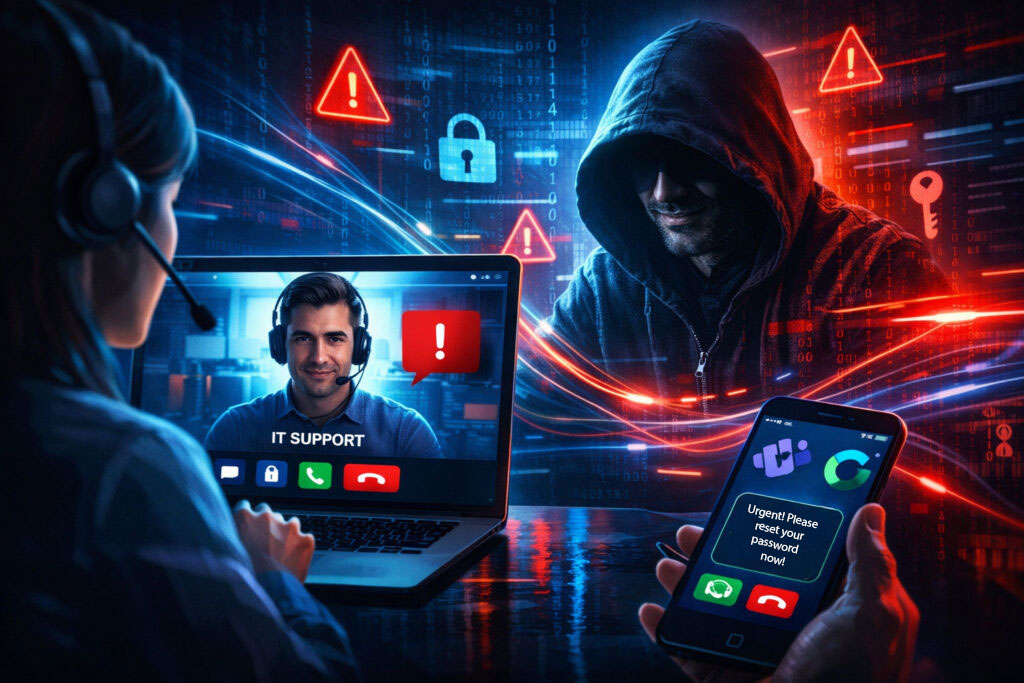
Attackers are impersonating IT staff, executives, vendors, and even coworkers via phone calls and collaboration tools such as Microsoft Teams, Webex, and other messaging platforms. Because employees already trust these tools for everyday work, the requests often seem legitimate.
And that’s exactly what attackers are counting on.
Why These Attacks Are Increasing
Social engineering attacks work because they exploit trust and urgency rather than technology.
A typical scenario might look like this:
- An employee receives a phone call from someone claiming to be IT
- A message appears in Teams or Webex asking for quick help with a login issue
- Someone claiming to be an executive requests urgent access or information
The request often sounds routine and urgent.
But in many cases, it’s actually an attacker trying to gain access to credentials, systems, or sensitive company data.
Because these attacks occur through real-time communication, employees often react quickly without verifying the request.
Why Businesses Should Pay Attention Now
Cybercriminals know that traditional phishing emails are becoming easier to detect.
So they’re shifting toward direct interaction with employees, where they can build trust and pressure someone into taking action.
These attacks are often used to:
- Steal login credentials
- Bypass multi-factor authentication
- Gain access to company systems
- Launch ransomware or data theft attacks
For organizations without clear security procedures in place, it only takes one successful interaction to create a major security incident.
What Businesses Can Do
The good news is that many social engineering attacks can be stopped with a few important practices:
- Verify unexpected requests. Employees should always confirm unusual access requests or account changes through a trusted channel.
- Train employees to recognize social engineering. Security awareness training helps employees identify suspicious requests, even when they come through trusted platforms.
- Limit and monitor access. Strong identity controls and system monitoring can prevent attackers from moving freely if they gain access.
- Have experts watching your network. Continuous monitoring helps detect suspicious activity before it becomes a larger problem.
- Security Starts with Awareness. Cybersecurity isn’t just about firewalls and software — it’s about people, processes, and visibility.
As cybercriminals continue to evolve their tactics, organizations that take a proactive approach to security are far better positioned to protect their operations and their data.
How Citynet Helps
Citynet helps organizations strengthen their cybersecurity posture with solutions designed to provide visibility, protection, and expert support.
Our managed IT and cybersecurity services help businesses monitor networks, detect threats early, and respond quickly to suspicious activity before it becomes a larger incident.
Citynet also provides security awareness training to help employees recognize phishing attempts, social engineering tactics, and suspicious requests — whether they arrive via email, phone, or collaboration platforms like Teams or Webex.
By combining technology, monitoring, and employee awareness, businesses can significantly reduce the risk of cyber incidents and strengthen their overall security posture.
If your organization is evaluating its cybersecurity readiness, our team is ready to help start the conversation.