Don’t Invest in Social Media Hijacking

Social Media Image

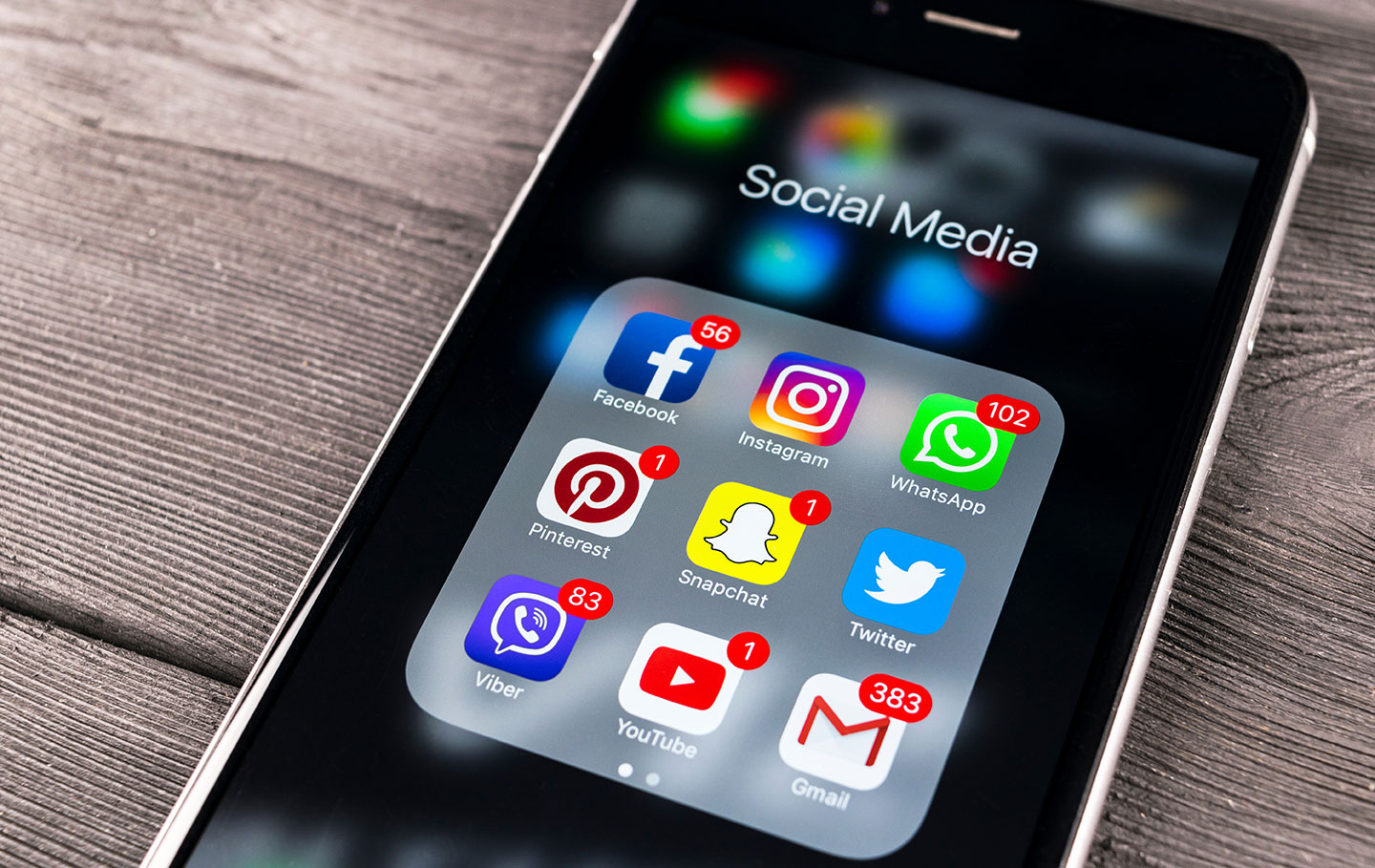
More than half of the world’s population uses at least one social media platform. Users can post to Facebook, Instagram, and Snapchat for all their followers to see. When a friend, family member, or influencer posts to social media, do you ever question whether they actually created the post? Would you trust them if they posted about an investment that helped them earn thousands of dollars? You should consider that they may actually be a cybercriminal who’s using social media hijacking to gain your trust and your money. 

What Is Social Media Hijacking? 

Social media hijacking is when a cybercriminal gains access to another user’s social media account. To hijack the account, cybercriminals often send the user an email with a phishing link that brings the user to a fake login page. When the user enters their login credentials, the cybercriminal steals the credentials to log in to the user’s account and change their password. Then, the cybercriminals have full control over the user’s account. 

How Do Cybercriminals Use the Hijacked Account?

After the cybercriminals hijack the account, they can try to convince the user’s followers to invest money or participate in a giveaway by sending them direct messages or creating public posts. Because the followers believe the original user wrote the message or post, they are more likely to believe that the investment or giveaway is legitimate. For example, in a recent scam, cybercriminals hijacked users’ accounts and tried to convince them to send a video endorsing a Bitcoin scheme. In exchange for the video, the cybercriminals claim they will give the account back to the original user. Instead, the cybercriminals post the video to the user’s account to convince more followers to invest in the scam. 

How Can I Keep My Account Safe?

  • If you receive a login link through email or text message, never click it. Always log in directly to the social media app or website.
  • If someone you follow on social media posts something suspicious or sends you a suspicious email, follow up with the person directly instead of replying over social media. Call or text the person to confirm that they sent the message or created the post. 
  • Never trust giveaways or fast-money schemes that seem too good to be true. These giveaways and schemes are almost always scams. 

Never send money, credit card information, or banking information over social media. If a giveaway requests payment information, it is most likely a scam. If someone you follow requests money from you in return for an item or service, contact the person directly by calling or texting them.



Knowbe4 Logo

Stop, Look, and Think. Don’t be fooled.
Like This Post?

Facebook
X
LinkedIn
Email

More Posts

Cybersecurity Hacker Hoodie Image
Cybersecurity

How Long Attackers Stay in a Network Before They’re Discovered

When people imagine a cyberattack, they often picture a dramatic event — systems suddenly shutting down or files becoming encrypted. But many cyber incidents don’t unfold that way. In many cases, attackers quietly gain access to a network and remain there for weeks or even months before being discovered. This period is known as “dwell time.” During this time, attackers

Cybersecurity Alert Critical Image
Cybersecurity

5 Critical Mistakes to Avoid During a Cyberattack

Think your business may already be compromised? See the warning signs and response steps here Even well-intentioned actions can make a cyber incident worse Cyberattacks often unfold quickly, and the wrong response in the first few minutes can make an incident far more difficult to contain and investigate. When a cyber incident occurs, the natural reaction is to act quickly

Man Laptop Cybersecurity
Cybersecurity

How Most Cyberattacks Actually Start

It’s usually not a sophisticated hack — it’s a moment of trust. Many organizations imagine cyberattacks as highly technical breaches targeting servers or networks. In reality, most cyber incidents begin with something much simpler – a human mistake or a moment of misplaced trust. Cybercriminals increasingly focus on manipulating employees rather than breaking through technical defenses. Here are some of

Power Outages Image
Checklists

Protecting Devices Before the Next Storm

Stay Connected When the Power Goes Out High winds, heavy rain, lightning, ice, and even wildfires can knock out power in an instant. And when the power goes down, your internet connection usually goes with it. But what happens after the storm – when power is restored, and your devices don’t come back online? Power surges during outages and restoration

Blog Spring Clean Image
Checklists

Spring Clean Your Home Office (Inside and Out)

Spring is right around the corner. While you’re planning to declutter closets and organize the garage, don’t forget one of the most important spaces in your home — your office. A cleaner, more organized workspace doesn’t just look better; it also performs better. It can improve focus, boost productivity, reduce stress, and even help your devices perform more efficiently. This

Ticket Scam QR Image
Cybersecurity

You’ve Been Served… a Scam!

Beware of Fake Toll Violation Text Messages Cybercriminals are constantly evolving their tactics to trick people into giving up sensitive information. One of the latest scams circulating involves fake toll violation notices sent by text message. At first glance, the message looks convincing. It claims you have an unpaid traffic toll that must be paid immediately. The text often includes

SuperPod with WiFi 6E

Plume SuperPod WiFi 6E Specs

SuperPod with WiFi 6

Plume SuperPod WiFi 6 Specs

SuperPod

Plume SuperPod Secs