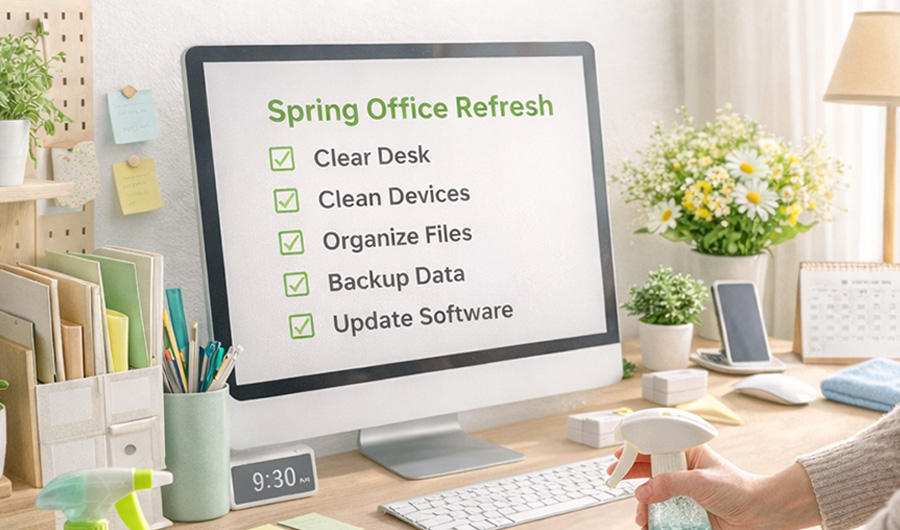
Spring is right around the corner. While you’re planning to declutter closets and organize the garage, don’t forget one of the most important spaces in your home — your office. A cleaner, more organized workspace doesn’t just look better; it also performs better. It can improve focus, boost productivity, reduce stress, and even help your devices perform more efficiently. This guide walks you through both a physical refresh and a digital cleanup, so your entire work environment feels brand new.
Take Stock of Your Space
Before you start moving things around, pause and observe how you actually use your office. Where does clutter naturally build up?
Desk corners? Junk drawers? Cable piles? Sticky notes around your keyboard?
Notice your habits. Instead of fighting them, organize in a way that supports your natural routines.
- If coffee mugs collect throughout the day, keep a small tray nearby to carry them out all at once.
- If paperwork tends to pile up, use labeled document organizers by category.
- If sticky notes are everywhere, switch to a dedicated desk pad or notebook.
The goal isn’t perfection — it’s functionality.
Declutter and Reorganize Your Desk
Start with a clean slate.
- Clear everything off your desk.
- Toss trash and remove items you don’t use daily.
- Wipe down all surfaces with a multipurpose cleaner.
- Return only the essentials.
Organize small items like USB drives, adapters, and notebooks in drawer organizers or small containers. Everything should have a designated home.
Tame the Cable Chaos
Cables are often the biggest visual distraction in a workspace.
- Inspect cords for frays, kinks, or damage.
- Replace anything that looks worn.
- Use clips, sleeves, or cable organizers to manage wires behind monitors.
- Label important cords.
- Recycle or donate duplicate or outdated cables.
A streamlined setup reduces visual clutter and prevents technical issues.
Don’t Forget the Details
Dust shelves, books, lamp bases, monitor stands, and power strips. Wipe chair arms and desk edges. Pull furniture away from walls to vacuum hidden dust.
Then refresh the environment:
- Add a plant for a calming touch.
- Improve lighting to reduce eye strain.
- Adjust your chair and monitor height for better ergonomics.
- Consider an air purifier to reduce dust buildup.
Small changes can make a big difference in how your space feels.
Clean Your Devices — Inside and Out
Your devices work hard every day. Dust and debris can block airflow, cause overheating, and slow performance.
Physical Cleaning
- Power down and unplug devices before cleaning.
- Use compressed air to clear vents, keyboards, and docking stations.
- Wipe screens with a soft, lint-free cloth.
- Never spray liquid directly onto electronics.
- Avoid moisture near ports and openings.
Pay special attention to high-touch items:
- Laptops and monitors
- Smartphones and tablets
- Keyboards and mice
- Headphones and earbuds
- Smartwatches and fitness trackers
Follow manufacturer guidelines for device-specific care.
Declutter Your Digital Workspace
A messy desktop isn’t just physical — it’s digital, too.
Start by backing up important files. This is a great time to run a full system backup for added peace of mind.
Then:
- Organize desktop files into clearly labeled folders.
- Delete unnecessary downloads and temporary files.
- Remove duplicate documents.
- Rename folders so they’re easy to navigate later.
Next, tackle your inbox:
- Delete old emails.
- Unsubscribe from mailing lists you no longer read.
- Create folders or labels for important communications.
Review your cloud storage and remove outdated or redundant files.
Optimize and Update
Take inventory of your apps and programs.
- Remove unused software.
- Disable unnecessary startup programs.
- Update your operating system.
- Update frequently used apps.
- Install security patches.
Regular updates help improve performance, strengthen security, and extend the life of your devices.
Keep the Momentum Going
Now that your office feels refreshed, keep it that way.
- Reset your desk at the end of each day.
- Schedule a weekly five-minute tidy-up.
- Plan a quarterly digital cleanup.
- Run regular backups.
A clean, organized workspace makes it easier to focus, create, and stay connected throughout your day.
This spring, give both your physical and digital workspaces the attention they deserve. A little maintenance now can make your entire year feel more productive.