Multi-factor authentication allows you to protect yourself in multiple ways.
Wouldn’t it be nice if you could protect your password with another password? Multi-factor authentication gives you this power – think of it like placing your housekeys in a safety deposit box that can only be opened by a facial scan. In some cases, this metaphor isn’t far off from reality.
What is Multi-Factor Authentication?
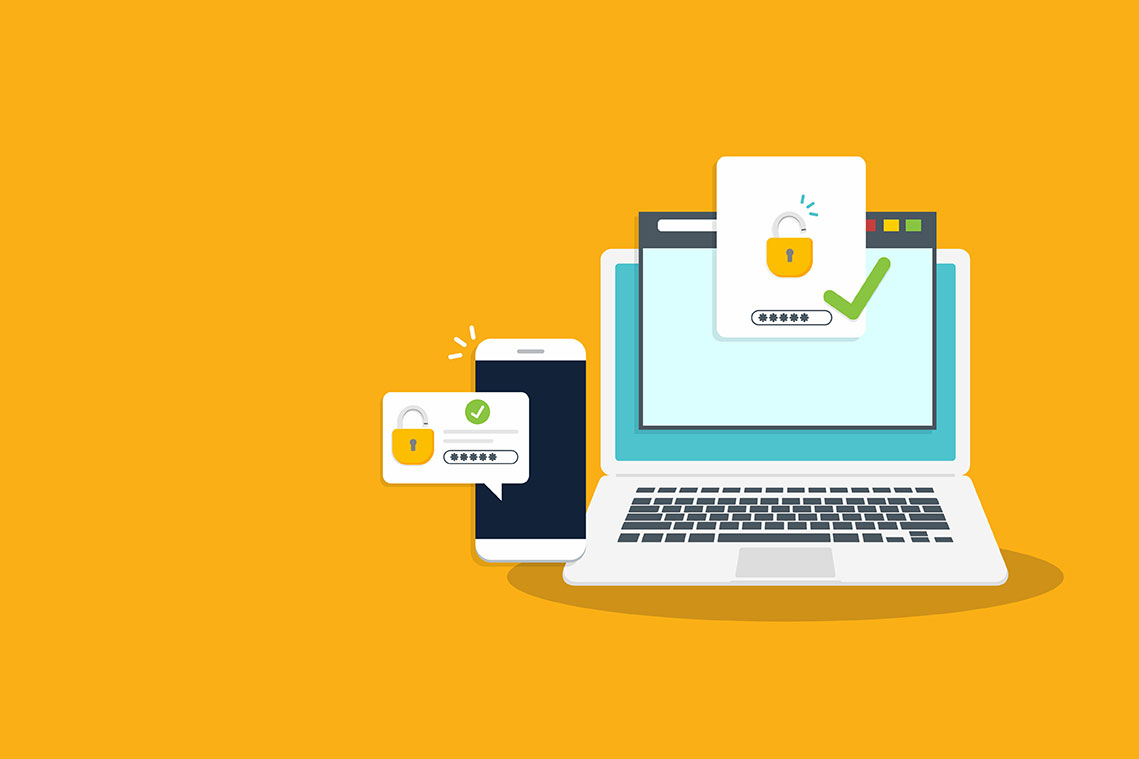
Multi-factor authentication is sometimes called two-factor authentication or two-step verification, and it is often abbreviated to MFA. No matter what you call it, multi-factor authentication is a cybersecurity measure for an account that requires anyone logging in to prove their identity multiple ways. Typically, you will enter your username, password, and then prove your identity some other way, like with a fingerprint or by responding to a text message.
Why go through all this trouble? Because multi-factor authentication makes it extremely hard for hackers to access your online accounts, even if they know your password.
It might seem like a lot of work, but once you have multi-factor authentication set up, proving your identity usually adds just a second or two to the log-in process. And the peace of mind multi-factor authentication provides is well worth it.
We recommend that you implement multi-factor authentication for any account thatpermits it, especially any account associated with work, school, email, banking, andsocial media.
How does it work?
When you turn multi-factor authentication on for an account or device, your log-in process will require a bit more verification.
You will be asked for your username and password.
If these are correct, you will then be prompted to prove your identity another way. You might be able to set up your smartphone, for example, to use a facial scan as verification. Other online accounts might send your phone number or email address a one-time use code that you must enter within a certain frame of time. Some accounts will require you to approve access with a standalone authenticator app like Duo or Google Authenticator.
Different forms of multi-factor authentication
Multi-factor authentication can take several different forms, including:
- Inputting an extra PIN (personal identification number) as well as your password
- The answer to an extra security question like “What town did you go to high school in?”
- A code sent to your email or texted to your device that you must enter within a short spanof time
- Biometric identifiers like facial recognition or fingerprint scan
- A standalone app that requires you to approve each attempt to access an account
- An additional code either emailed to an account or texted to a mobile number
- A secure token – a separate piece of physical hardware, like a key fob, that verifies aperson’s identity with a database or system
What types of accounts offer multi-factor authentication?
Not every account and device offers multi-factor authentication, but it is becoming more common every day. You might already have it set up for your devices, like if you use a Face ID or fingerprint scan to un
lock your phone or laptop. multi-factor authentication is now often found in many workplaces and universities, too.
Here are some types of accounts that often offer multi-factor authentication. Check to see if you can turn multi-factor authentication on:
- Banking
- Social media
- Online stores
Multi-factor authentication adds an entire layer of security on your important accountsbeyond your password. Your data is precious and important – multiplying its protection is agreat idea. Let’s use multi-factor authentication everywhere!
Can multi-factor authentication be hacked?
While multi-factor authentication is one of the best ways to secure your accounts, there have been instances where cybercriminals have gotten around multi-factor authentication. However, these situations typically involve a hacker seeking multi-factor authentication approval to access an account multiple times and the owner approving the log-in, either due to confusion or annoyance.
Therefore, if you are receiving multi-factor authentication log-in requests and you aren’t trying to log in, do not approve the requests! Instead, contact the service or platform right away. Change your password for the account ASAP. Also, if you reused that password, change it for any other account that uses it (this is why every password should be unique).
Don’t let this deter you, though. multi-factor authentication is typically very safe, and it is one of the best ways you can bolster the security of your data!