Winter can be tough. With cold temperatures, snow and ice, dry air, and higher heating bills, it’s no wonder the animals head into hibernation!
Unlike our furry and feathered friends, though, we have the benefit of technology to keep us comfortable and prepared for the frigid months.
And, with Citynet’s weather-stable reliable fiber internet, you’ll be all set for these simple tech tools to help make the cold weather easier to bear.
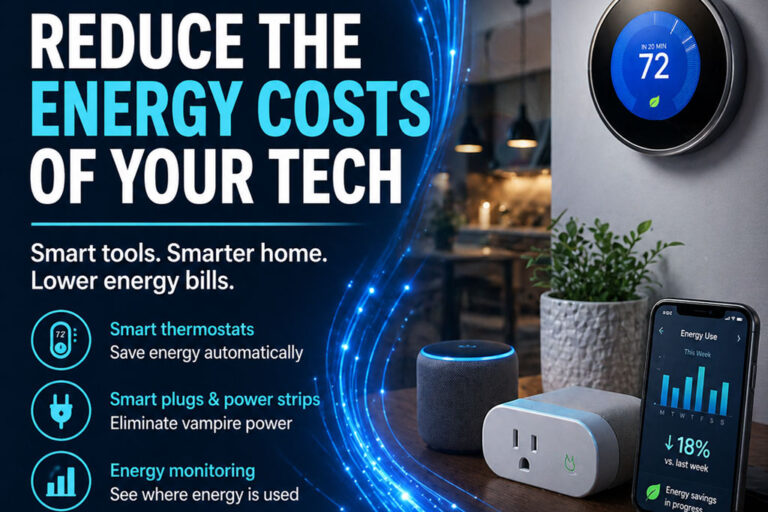
Smart Thermostats
There’s a reason smart thermostats have earned a top recommendation on any cold-weather tech list like this. They have reigned as the MVP of Winter Tech (and Summer Tech, when the weather heats up!) because of the comfort, savings, and simplicity they bring to any household.
A smart thermostat will automatically adjust temperatures based on your schedule, meaning it’ll be warm and cozy while you’re home but slightly cooler (and saving you money) while you’re away from home. They also help you avoid overheating empty rooms.
With apps that give you simple control from your phone, you’ll be able to track your energy usage and learn how to better save when you can, all while experiencing fewer “why is it so cold in here?” moments.
Smart Space Heaters
Even with a smart thermostat, you may still find corners of your home that don’t get a consistent warm air flow.
A smart space heater gives you room-by-room comfort with the added safety of tip-over protection, overheat shutoff, or app control for when you accidentally forget to shut it off when you leave the room or home.
Smart space heaters are perfect for drafty rooms or home offices and bedrooms where you spend more time with the door closed and limited airflow through the home.
Smart Plugs & Timers
Connected plugs and timers are often overlooked, but they are small tools that bring big conveniences. They are inexpensive and can be controlled with apps and smart home assistants like Alexa and Google Assistant.
They’re great for things like holiday lights and space heaters (when used according to manufacturer guidelines) for those who want the benefits of a smart home without replacing appliances.
Humidifiers and Air Purifiers
A lot of the discomfort you feel in cold temperatures could be caused by the quality and humidity of your indoor air.
Winter air is dry, leading to dry skin, uncomfortable sinuses, frizzy hair, and static shocks. You’re less likely to be outside or opening your windows to let in fresh air, leading to stagnant air in the house.
Smart or connected humidifiers can automatically detect overly dry air and maintain healthy moisture levels. Smart air purifiers detect poor quality air and run when needed, alerting you when filters need to be changed. Controlling your indoor air quality can improve both your comfort and your health.
Leak, Freeze, and Water Damage Prevention
Below-freezing temperatures can lead to huge consequences if your plumbing isn’t properly protected from freezing. But, burst pipes can happen to even the most prepared.
Smart water leak detectors are small devices that you place near water pipes in crawl spaces, utility rooms, and well houses. If water is detected, they will send an alert to your home, allowing you to catch and respond to a frozen and busted pipe more quickly. Many models will even send an alert to your phone if temperatures drop below freezing, meaning you can prevent freezing before it happens.
These little detectors are inexpensive, often less than $50 for a multi-unit set, meaning you’ll have greater peace of mind for less, all winter long.
Cold-Weather Gear with Tech Touches
Not all winter tech has to be “smart”!
One of our favorite winter comfort recommendations is touch-screen compatible gloves. With conductive materials added to the tips of the fingers, they conduct touch signals and allow you to use your phone without removing gloves. This is extremely helpful for texting, maps, or quick phone checks outdoors.
Don’t forget about portable power banks! These are a must in cold weather as a source of backup power when the electricity goes out or if you get stuck in bad road conditions on a long commute. Low temperatures drain batteries, so having a spare can be a huge help when you need it most.
Fiber is Better in Winter than Other Connectivity Options
Smart devices work best with stable connections, low lag, and consistent speeds that aren’t throttled when you use too much data.
Unlike cable (often slowed by cold temperatures), satellite and 5G home internet (whose service degrades when signals are blocked by snow and cloud cover and speeds are throttled with data use), fiber is built for all-weather conditions.
You can’t control the weather, but with some simple tech paired with a reliable internet connection, you can make winter more comfortable, safer, and more affordable.
Make the switch to Citynet Fiber Internet and start experiencing the internet you deserve!