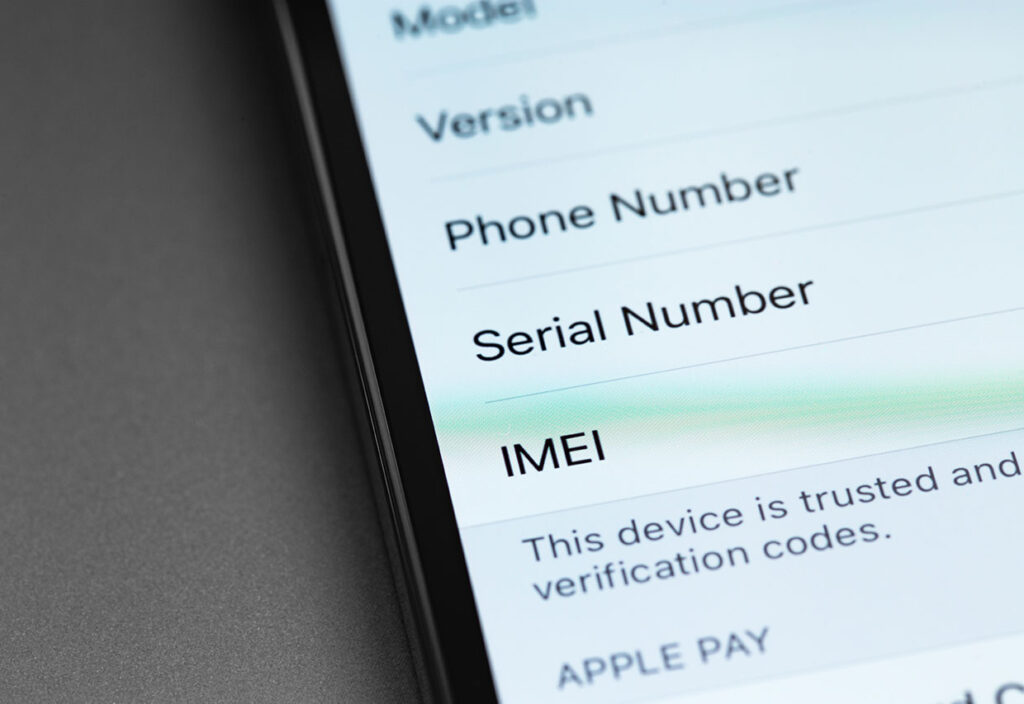
Tip: Find Your Device’s IMEI Code

IMEI Image

Remember, each time you get a new device:

  • Turn on the “Find My Device” function on your device and,
  • Find your device’s IMEI, or International Mobile Equipment Identity code, and store it somewhere safe for each device.

To find your device’s IMEI code, just dial *#06# and the ID number will appear on the screen.  You can also find it in your device’s settings.  If your device has more than one SIM card, it will also have more than one IMEI.  Always report a lost device used for work purposes to your company’s IT department. And, if you are unable to retrieve your phone, you should file a police report that contains your device’s IMEI.


Like This Post?

Facebook
X
LinkedIn
Email

More Posts

Speed Test Blog Image
Technology

Know Your Numbers: A Simple Guide to Internet Speed Tests

Nothing is more frustrating than being in the middle of a video call and experiencing choppy, pixelated picture or audio. Or, if you’re trying to update your computer or gaming system, and that download loading bar is barely headed toward

Guest Wi-Fi Blog Image
Technology

Why Every Home Needs a Guest WiFi Network

Most people think of WiFi as a single network. A friend visits, asks for the password, and you share it without much thought. What many people don’t realize is that sharing your WiFi password may also give guests access to

Virtual Game Night Image
Technology

Host a Virtual Game Night Without Lag

Hosting a virtual game night is a great way to stay connected with your friends and family, especially when everyone is joining in from different places. Whether you’re catching up with friends or planning something fun for everyone to do

Tech Energy Costs Image
Technology

Reduce the Energy Costs of Your Tech

Most of us think about saving energy by turning off lights or adjusting the thermostat. But today’s homes run on something just as important: connectivity. From streaming and remote work to smart thermostats and connected devices, technology plays a bigger