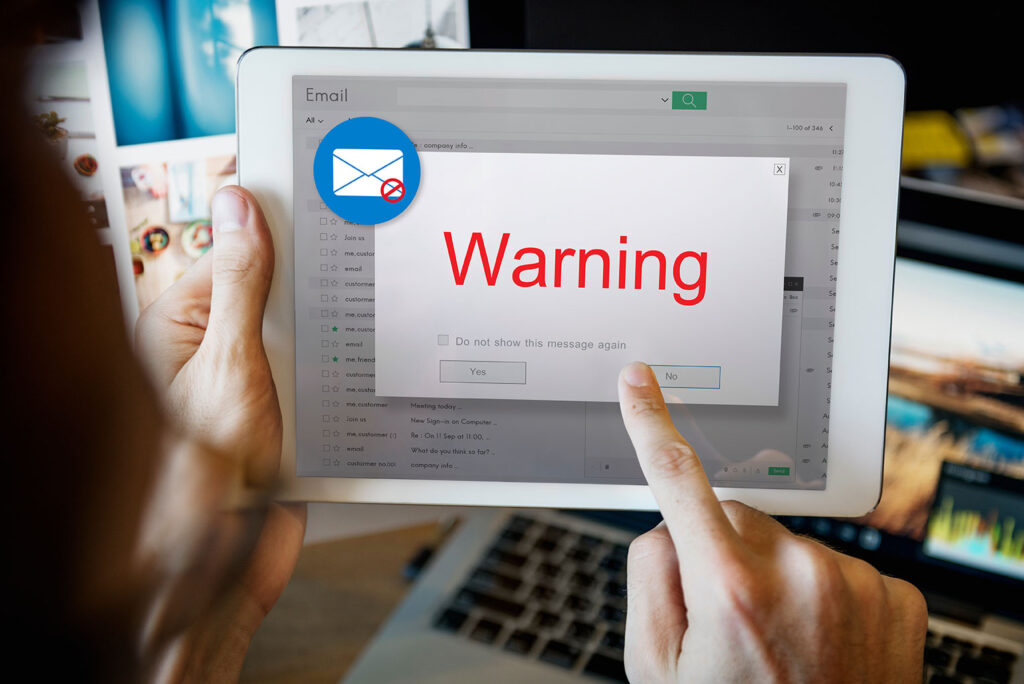
Learning how to handle suspicious emails is essential to keep your organization safe from cybercriminals. If you don’t correctly handle a suspicious email, you could fall victim to a phishing attack.
Follow the tips below to make sure you correctly handle suspicious emails:
Don’t Reply to the Email
If you receive a suspicious email that appears to come from someone you know, you may be tempted to reply to the email to learn more. However, if you reply to the email, you may increase the security risk. If an email account has been compromised, the person who replies back to you probably won’t be who you expect. You could actually be communicating with a cybercriminal.
Don’t Forward the Email
The best practice is to never click a link or open an attachment that you were not expecting. However, if you are fooled by a phishing email and you click a malicious link or open a malicious attachment, you may find that the link or attachment will not behave as expected. For example, if you open a suspicious image attachment, the file may actually open an installation window. Or, if you click a malicious link, the link may redirect you to a fake login page.
If the link or attachment is suspicious, you may think about forwarding the email to a coworker for help. However, forwarding the email to a coworker could increase the risk. If you click on a link or open an attachment, consider any unusual behavior as a red flag. Never forward unusual or suspicious emails to other users. If you forward a phishing email, you increase the risk of a security breach because your coworker may click the phishing link as well.
Don’t Mark the Email as Spam
Spam emails are typically unwanted advertisements. While spam emails may be annoying, they are usually harmless. However, a phishing attack is a malicious email designed to look like a legitimate message. Phishing emails typically include a call to action, such as clicking a link, opening an attachment, or even transferring money.
If you mark a suspicious email as spam, the email will be moved to a different folder along with any other emails from the same sender. So, if you move the suspicious email to a spam folder, the email will be hidden. However, the problem will not be resolved.
Tips to Stay Safe
The best way to handle a suspicious email is to report the email to your organization. If you report the email, your IT team can assess and mitigate the threat.
When you receive a suspicious email, follow the tips below to stay safe:
- Be sure to follow your organization’s process for reporting suspicious emails. Following cybersecurity protocols will help keep everyone’s information safe.
- If you don’t know how to report the email, leave the email in your inbox and ask a manager or supervisor for help.
If you’re not sure whether an email is spam or a phishing attack, report the email and your IT team handle the situation.

Stop, Look, and Think. Don’t be fooled.