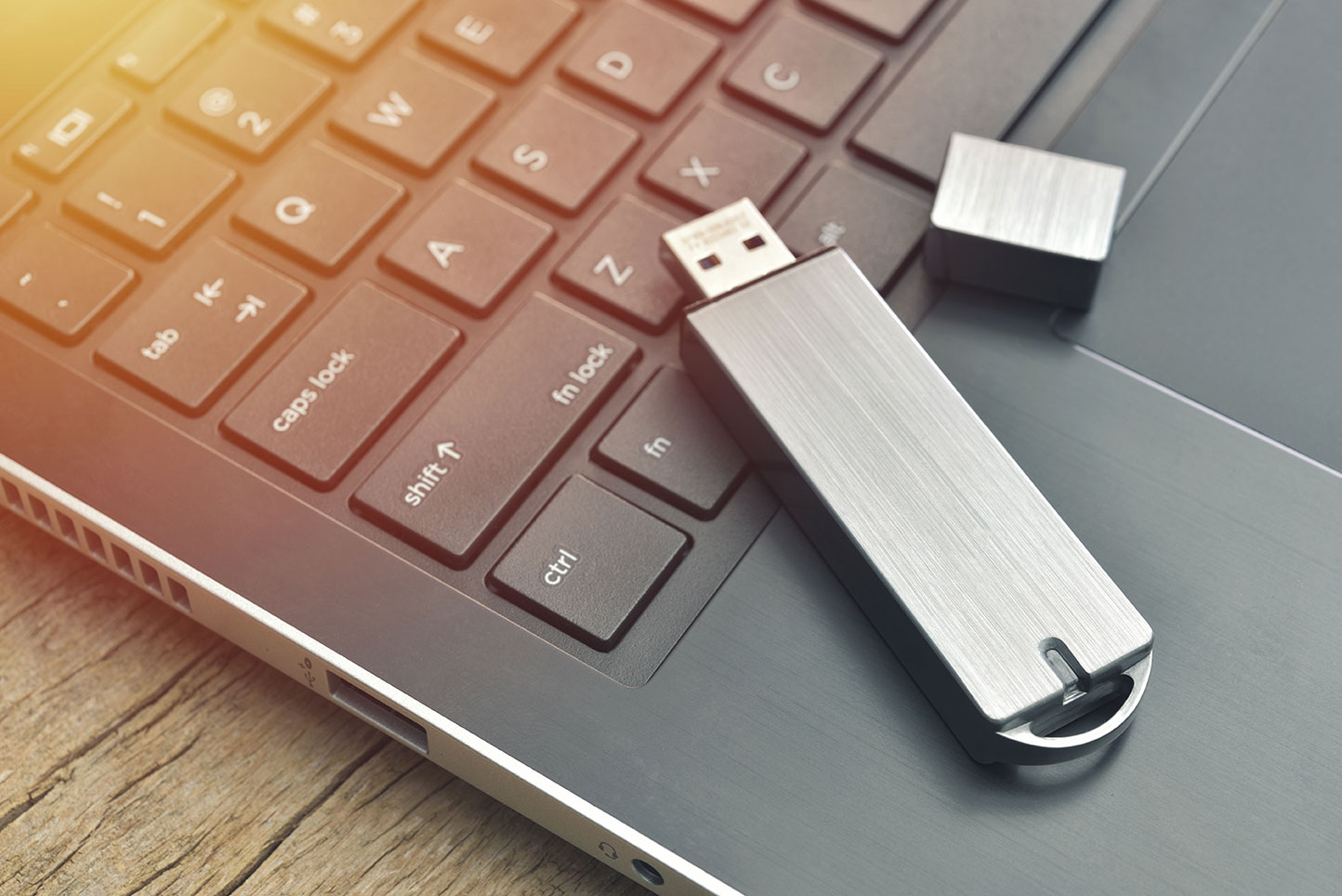
If you find a USB drive or other removable piece of media in the wild, DO NOT plug it into your computer. Let’s break down why.
You should never plug in any USB stick or other removable drive unless you know (and trust!) its source or if you take special precautions to ensure that nothing on the drive can hurt your device.
Say you come across a USB dongle, or stick, or drive, or thumb drive, or flash drive, or whatever else you want to call it. You might think you should plug it in to your device so you can ascertain the identity of its owner. Or maybe you think “hey, free drive!” Either way, using removable media you come across leaves you vulnerable.
Think of it this way – do you lock your front door? This basic, frontline level of security is like using strong passwords and other cybersecurity best practices in the digital world. But using a strange removable drive is like handing over your keys to a criminal. You could be welcoming them in your virtual front door.
WHAT IS REMOVABLE MEDIA?
Removable media and devices are portable hardware. USB flash drives are very common, but an external hard drive, like one you’d backup your computer on, is removable media. So is an SD card, like you would find in a digital camera.
While many people today back up their files digitally on the cloud, removable media is still often used. New uses are also evolving – some people use USB drives as a portable wallet for their cryptocurrency, for example.
Why that USB drive you found could be a snake in the grass…
You might naturally assume that a USB drive you come across on your office’s storeroom floor or in a grassy spot next to a well-traveled pathway is simply lost. However, there’s a chance that the removable media was planted, especially if the mysterious drive was found around your workplace. Even if corporate espionage isn’t afoot, a bad actor could leave USB drives around to try to get access to anybody’s devices and networks.
Additionally, even if the drive’s owner is not a hacker, the drive might contain malware, viruses, or other nasty stuff from the original owner’s computer that they didn’t purposefully download to the drive.
Would you eat food you found on the ground or on a random table? Think of removable media you come across in the same way.
I WANT TO FIND OUT WHAT IS ON REMOVABLE MEDIA. WHAT DO I DO?
There are ways to access files on removable media without putting your entire network, accounts, and devices at risk. In some situations, like if you work at a library, you might come across mysterious USB drives all the time because people plug them in public computers and forget them.
If you come across removable media at work, you should hand it over to your IT department. If you don’t have any IT department or aren’t at work, you should proceed with caution no matter how curious you are. Here’s how you can reduce the risk:
1. Use a data blocker
Data blockers are little connectors you use as a line of protection between your device and a USB drive. They are also useful for staying safe when using public device charging stations.
2. Use an “air-gapped” computer
Air-gapped is geek speak for a device that is not connected to the internet and maybe has never been connected to the internet. It is difficult, although not impossible, for a hacker to access your larger network and other devices from an air-gapped computer or laptop. Therefore, this is a safer way to see what is on a strange piece of removable media than plugging it into your main machine. Having a dedicated air-gapped laptop is often the best solution if you regularly need to access strange removable media to figure out who it belongs to, like if you work at a library or school. Plugging any strange drive into a computer connected to the internet puts not just the device at risk but your entire network.
3. What you don’t plug in can’t hurt you
Unless you are comfortable with more advanced cybersecurity protocols like creating operating systems inside a virtual environment, you shouldn’t mess around with unknown removable media. Again, if you found it at your workplace, give it your IT department or place it in the lost and found. USB drives, hard drives, and other electronics should be recycled, not tossed in the trash.
If you think the drive might have sensitive information on it, keep it and see if its owner makes inquiries. You can keep the removable safe or try to find its owner without plugging the drive into a computer. For example, hand it off to a worker at the place where you found it, but remind them not to plug it into their computer! If the drive and the data it holds is important, its owner will look for it.
This information is from staysafeonline.org as part of National Cybersecurity Awareness Month.