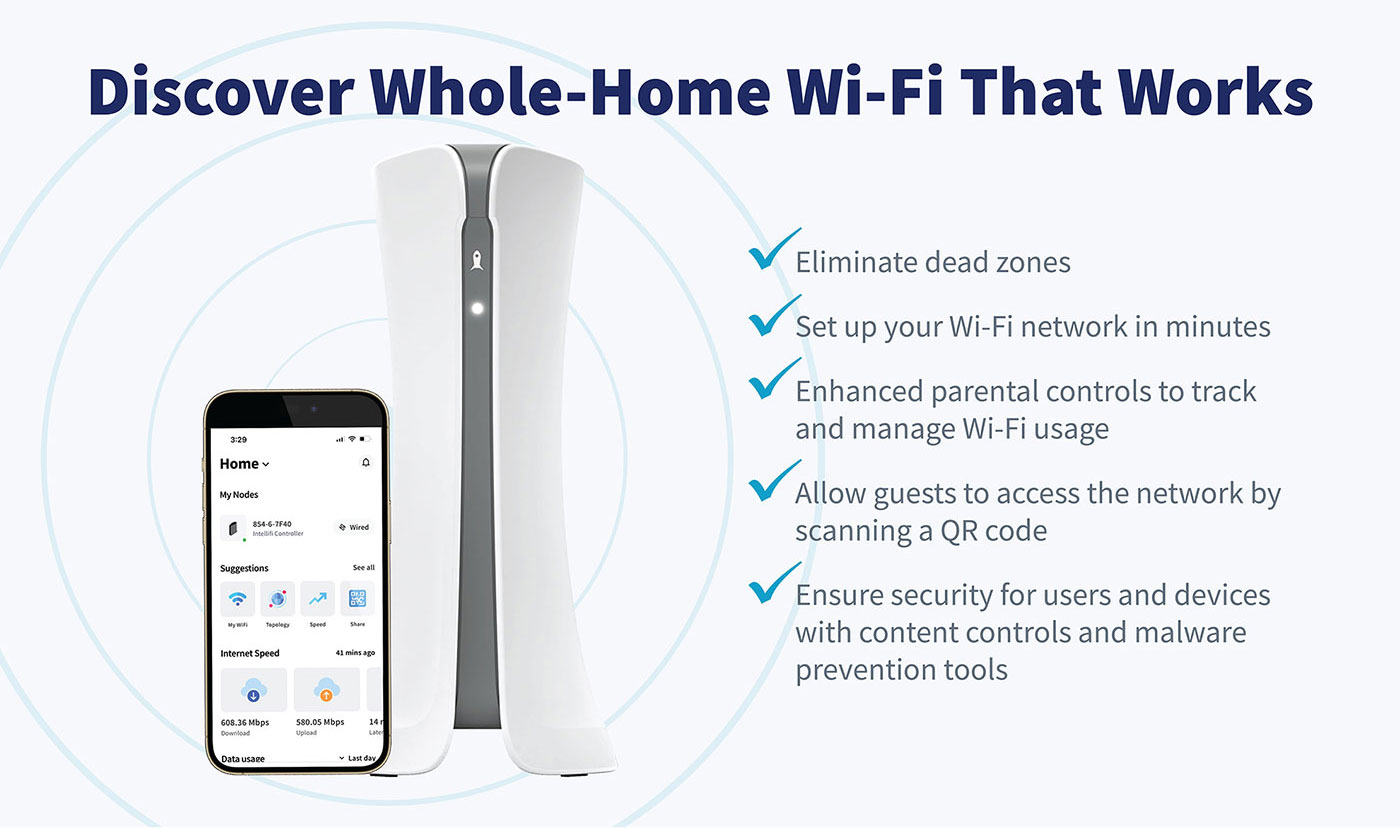
The Intellifi app gives you complete control of your Citynet home WiFi — right from your phone. Check your speed, manage devices, share access, protect your family, and keep your network running at its best.
The app is included at no extra cost with most Citynet Fiber Internet plans.
Not a Citynet Fiber customer yet? Explore our internet plans and discover the speed, reliability, and local 24/7/365 support you’ve been waiting to experience.
What You Can Do with the Intellifi App
With Intellifi, managing your home network is simple and secure:
Run real-time speed tests
View all connected devices
Create guest WiFi access
Set parental controls and content filters
Pause internet access instantly
Protect your network with built-in security tools
Manage your WiFi from anywhere
Download the Intellifi App
Get the app and start managing your home WiFi in minutes.
Download from the app stores:
Scan to download:
Apple App Store
Google Play
Getting Started
1. How to Set Up Your Citynet Intellifi WiFi Network
Click here to learn how to download the app from the Apple App Store or Google Play and connect to your home network.
2. Video Tutorials
Watch quick step-by-step videos to learn how to use key Intellifi features.