
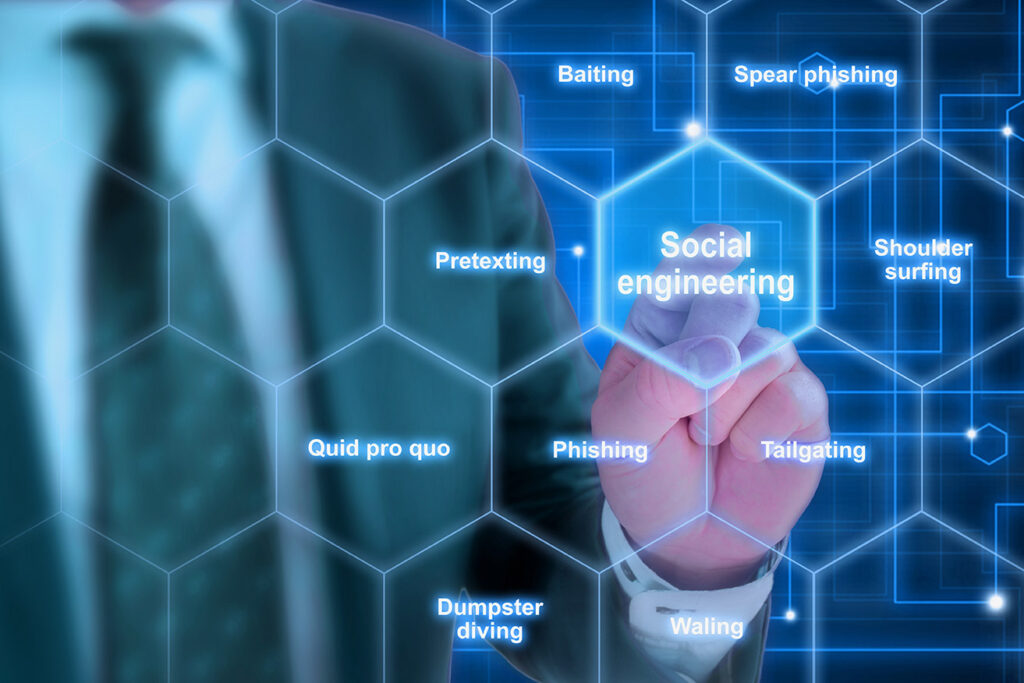
Pretexting

Social Engineering Scams Image

Pretexting is when the bad guys create a false scenario using a made-up identity or pose as someone you know. They can even pose as employees of bank or credit card companies to manipulate you into divulging personal or sensitive information.

How it Works: Common Tactics of Influence

The bad guys will try to persuade you into giving them sensitive information. Oftentimes, the information that they need is not specific to your organization. Below are examples of two common tactics used to influence victims in pretexting scenarios:

  • Pretexting with Authority
    You receive a call at work from someone demanding immediate assistance. They are speaking in an aggressive and authoritative tone. This person establishes their authority by using an executive-level or official-sounding job title. They may even insult you for not being familiar with “who they are”. These scare tactics often persuade victims into giving away sensitive information or complying with the cybercriminal’s request. It’s human nature to act in a responsive manner around someone of authority, but don’t fall victim to false claims of authority! 
     
  • Pretexting with Obligation
    You receive a call from someone posing as a member of your IT department. The bad guy tells you they’ve found malicious activity on your work computer and begin questioning your recent browsing history. The fake IT employee implies that you’ve accessed a malicious website and have put the company in danger as a result. They demand you update your password with a more “secure” password which they provide. Would you feel obligated to comply with their instructions? Many unsuspecting people would, but don’t fall victim to a false sense of obligation!

How Can I Avoid Falling Victim to Pretexting Scenarios?

Use the tips below to help protect your organization against pretexting scenarios:

  • Never give out sensitive information over the phone, online, or in email, unless you are absolutely sure you know who you’re dealing with, or you initiated contact with the individual.
  • If the caller claims to be an employee but their request seems suspicious, verify their identity through a trusted party and let them know you’ll call them back. If the caller questions the need for your verification efforts, explain that you’re following the process required for sharing the type of information they are requesting. Maintain a respectful but forceful attitude.

Make sure you’re familiar with your organization’s protocols for handling requests for information or ask your supervisor if you need assistance.



Knowbe4 Logo

Stop, Look, and Think. Don’t be fooled.

Like This Post?

Facebook
X
LinkedIn
Email

More Posts

Blog Spring Clean Image
Checklists

Spring Clean Your Home Office (Inside and Out)

Spring is right around the corner. While you’re planning to declutter closets and organize the garage, don’t forget one of the most important spaces in your home — your office. A cleaner, more organized workspace doesn’t just look better; it also performs better. It can improve focus, boost productivity, reduce stress, and even help your devices perform more efficiently. This

Ticket Scam QR Image
Cybersecurity

You’ve Been Served… a Scam!

Beware of Fake Toll Violation Text Messages Cybercriminals are constantly evolving their tactics to trick people into giving up sensitive information. One of the latest scams circulating involves fake toll violation notices sent by text message. At first glance, the message looks convincing. It claims you have an unpaid traffic toll that must be paid immediately. The text often includes

Blog Cybercrime Calling Image
Cybersecurity

Cybercriminals Are Now Calling Your Employees

Is Your Business Prepared? Cyber threats are evolving, and one of the fastest-growing tactics right now is social engineering through trusted communication platforms. Instead of trying to hack their way in, cybercriminals are increasingly talking their way in. Attackers are impersonating IT staff, executives, vendors, and even coworkers via phone calls and collaboration tools such as Microsoft Teams, Webex, and other messaging

Laptop Typing With Icons Image
Cybersecurity

Shadow IT: The Apps Your Employees Use That IT Doesn’t Know About

When most businesses think about cybersecurity risk, they picture hackers breaking in from the outside. But one of the fastest-growing risks isn’t external at all. It’s happening inside your organization…quietly, unintentionally, and often with good intentions. It’s called Shadow IT. And it’s growing faster than most businesses realize. What Is Shadow IT? Shadow IT refers to any software, app, cloud platform,

Teamwork People Tablet Image
Cybersecurity

The New Employee Is Your Biggest Security Risk

(And It’s Not Their Fault) When businesses think about cybersecurity risk, they often picture hackers, ransomware, or sophisticated phishing attacks. But one of the most common — and overlooked — security risks starts on day one: A new employee. Not because they’re careless.Not because they’re malicious.But because onboarding and offboarding processes often leave dangerous gaps. If those gaps aren’t managed

Umbrella Covering Laptop Cybersecurity Image
Cybersecurity

The New Reality of Cyber Insurance Requirements for Small Businesses

Cyber insurance used to feel like a safety net. Today, it’s starting to feel more like an application for a mortgage. Across the country, insurance providers are tightening requirements, raising premiums, and even denying claims when businesses don’t meet modern cybersecurity standards. Many small and mid-sized organizations are discovering this shift the hard way, during policy renewal or after filing

SuperPod with WiFi 6E

Plume SuperPod WiFi 6E Specs

SuperPod with WiFi 6

Plume SuperPod WiFi 6 Specs

SuperPod

Plume SuperPod Secs


