
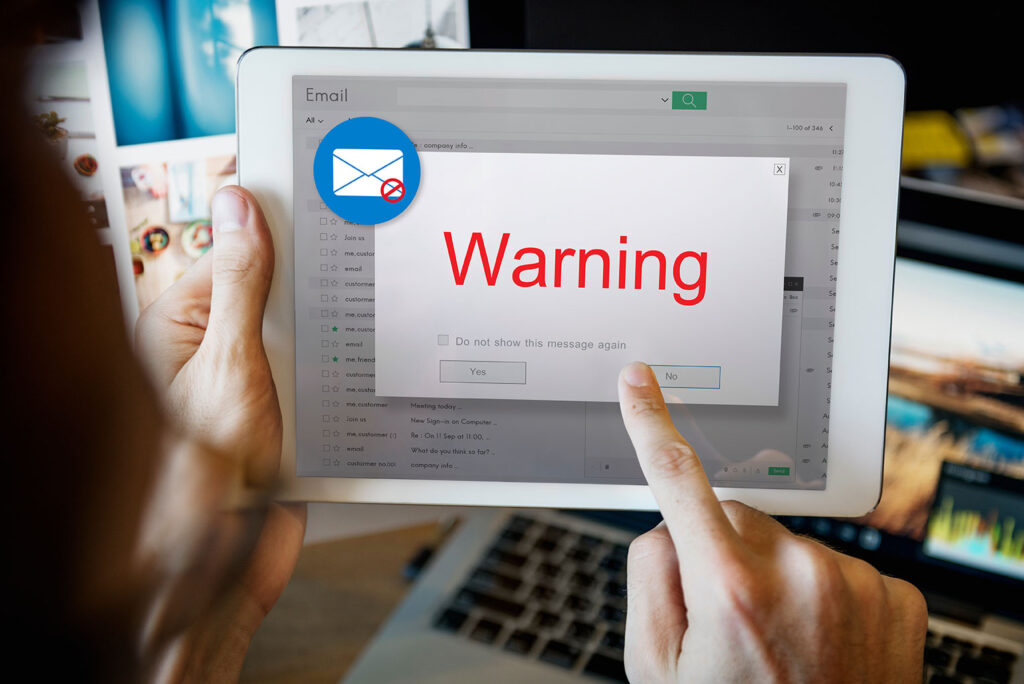
Cybercriminals send more phishing emails now than ever before. When you receive an email, it’s important to look for any red flags. One red flag you can look for is a suspicious sender. If the sender is actually a cybercriminal, the email may contain phishing links or requests for sensitive information.
Verify the Sender
When you receive an email, it’s important to verify the sender. Ask yourself the following questions:
- Do you communicate with the sender regularly?
- Do you have any type of relationship with the sender? Does someone you trust have any type of relationship with the sender?
- Does the sender work for your organization, and is the email related to your job responsibilities?
- Even if you recognize the sender, does the email seem suspicious? Did the sender write in an unusual writing style or ask you to complete a strange task?
- Was the email sent from your company domain? Make sure that the email address is not a visual spoof of your domain, such as “dornain.com” rather than “domain.com.”
- Was the email sent from a suspicious external domain? For example, watch out for suspicious domains, such as micorsoft-support.com, that resemble legitimate domains, such as microsoft.com.
If you think the email is malicious, don’t click links, open attachments, or reply to the email. Stay alert, and remember that you can help keep your organization safe from cybercriminals.

Stop, Look, and Think. Don’t be fooled.



