Passwords are the keys to your digital castle. Just like your housekeys, you want to do everything you can to keep your passwords safe.
Passwords can be made ironclad with additional authentication methods, such as
multifactor authentication (MFA).
Creating, storing and remembering passwords can be a pain for all of us online, but the truth is that passwords are your first line of defense against cybercriminals and data breaches. Also, it has never been easier to maintain your passwords with free, simple-to-use password managers. With a few moments of forethought today, you can stay safe online for years to come.
Long, Unique, Complex
No matter what accounts they protect, all passwords should be created with these three guiding principles in mind:
Long
Every one of your passwords should be at least 12 characters long.
Unique
Each account needs to be protected with its own unique password. Never reuse passwords. This way, if one of your accounts is compromised, your other accounts remain secured. We’re talking really unique, not just changing one character or adding a “2” at the end – to really trick up hackers, none of your passwords should look alike.
Complex
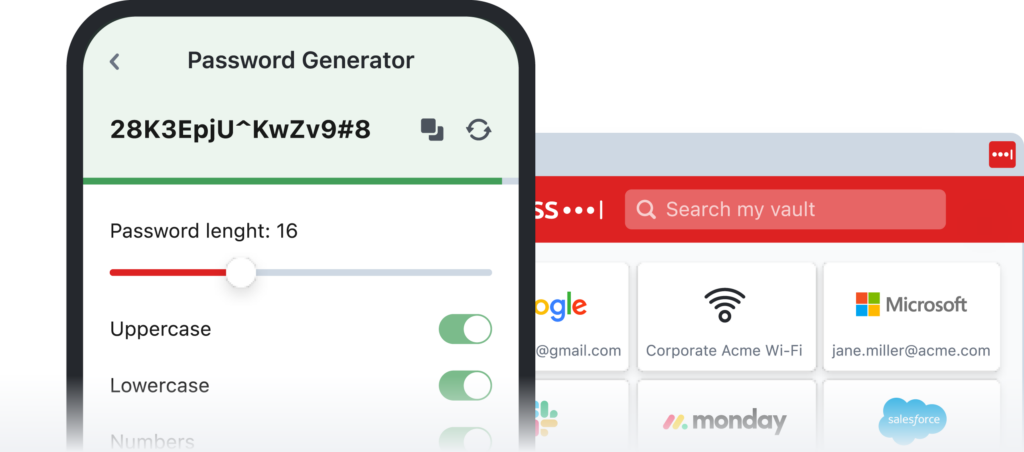
Each unique password should be a combination of upper case letters, lower case letters, numbers and special characters (like >,!?). Again, remember each password should be at least 12 characters long. Some websites and apps will even let you include spaces.
How often do I change my password?
If your password is long, unique and complex, our recommendation is that you don’t need to ever change it unless you become aware that an unauthorized person is accessing that account, or the password was compromised in a data breach.
This recommendation is backed up by the latest guidance from the National Institute of Standards and Technology. For many years, cybersecurity experts told us to change our passwords every few months. However, this constant change isn’t helpful if your passwords are each long, unique and complex. In fact, if you change your passwords often, you risk reusing old passwords or falling into bad habits of creating similar or weak passwords
But remembering all my passwords is so hard!
You probably have a lot of online accounts. And because all your passwords should be unique, that means you have a lot of passwords. But the fact remains that using long, unique and complex passwords remains the best way to keep all of your digital accounts safe. There are many free and easy-to-use tools out today that makes managing your library of unique passwords a snap.
Today, the truth is that you don’t have to remember your passwords. If you use the latest tools, you don’t need to rack your brain at every login screen. You just need to remember the one password that unlocks your password manager vault.
Don’t take a pass on password managers
As our lives expand while we do more online, we’ve gone from having just a couple of passwords to today, where we might manage upwards of 100 or more. If you’re like most people, you’re probably using the same password for most of your accounts—and that’s not safe. If your one password gets stolen because of a breach, it can be used it to gain access to all your accounts and your sensitive information. But no need to fret, password managers are easy to use and make a big difference.