
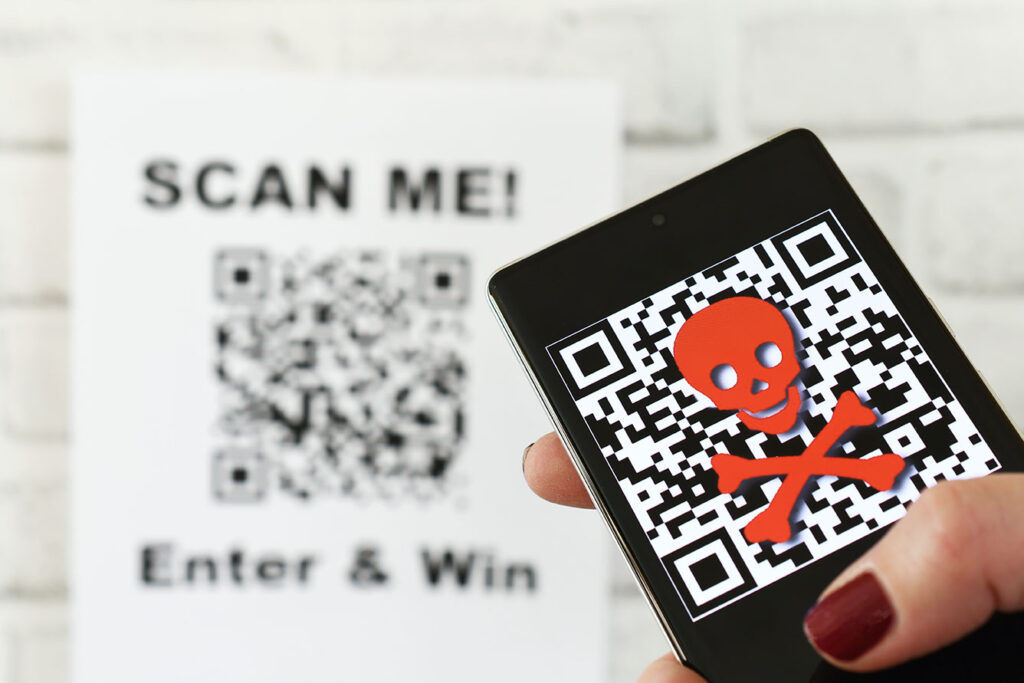
QR codes are a convenient way to share information quickly and easily. However, they can also be used for malicious purposes, such as phishing scams. Here are some tips to help you protect yourself from QR code scams:
- Don’t scan QR codes from strangers. If someone sends you a QR code via text message, email, or social media, don’t scan it unless you’re sure it’s from a legitimate source.
- Verify the source before scanning a QR code. If you’re unsure where a QR code came from, hover your mouse over it to see its linked URL. You can also try to scan the code with a different app to see if it takes you to a different destination.
- Be wary of short links. Scammers often use shortened URLs to hide the destination of a QR code. If you see a QR code with a shortened URL, don’t scan it unless you’re sure it’s from a legitimate source.
- Double-check the URL. Once you’ve scanned a QR code, ensure the URL it takes you to is the same as the one you expected. If it’s not, don’t enter any personal information or click on any links.
- Be careful when downloading apps from QR codes. Scammers can also use QR codes to distribute malicious apps. Only download apps from trusted sources, and read the reviews before installing them.
If you think you’ve scanned a malicious QR code, take the following steps:
- Change your passwords immediately. Scammers may have been able to steal your personal information, such as your passwords or credit card numbers.
- Report the scam to the authorities. You can report the scam to the Federal Trade Commission (FTC) at https://reportfraud.ftc.gov/.
By following these tips, you can help protect yourself from QR code scams.
Here are some additional tips to keep in mind:
- Be aware of your surroundings. If you’re in a public place, be careful about scanning QR codes that are posted on signs or flyers. Scammers may place these codes in high-traffic areas in hopes that people will scan them without thinking.
- Use a security app. There are a number of security apps available that can help you scan QR codes safely. These apps can help you verify the source of a QR code and identify malicious codes.
- Stay up-to-date on the latest scams. Scammers are constantly coming up with new ways to trick people. By staying up-to-date on the latest scams, you can be more likely to spot a QR code scam before it’s too late.
By following these tips, you can help protect yourself from QR code scams and keep your personal information safe.
To learn more about Citynet’s security awareness training, click here or contact us online or call us now: 304.848.5400.
Stay safe online!



