Tired of juggling dozens of passwords—or worse, reusing the same one across multiple sites? You’re not alone. But the good news is that passwords may soon be a thing of the past. Enter passkeys, a new, more secure way to log in that’s easier for you and harder for hackers.
What Is a Passkey?
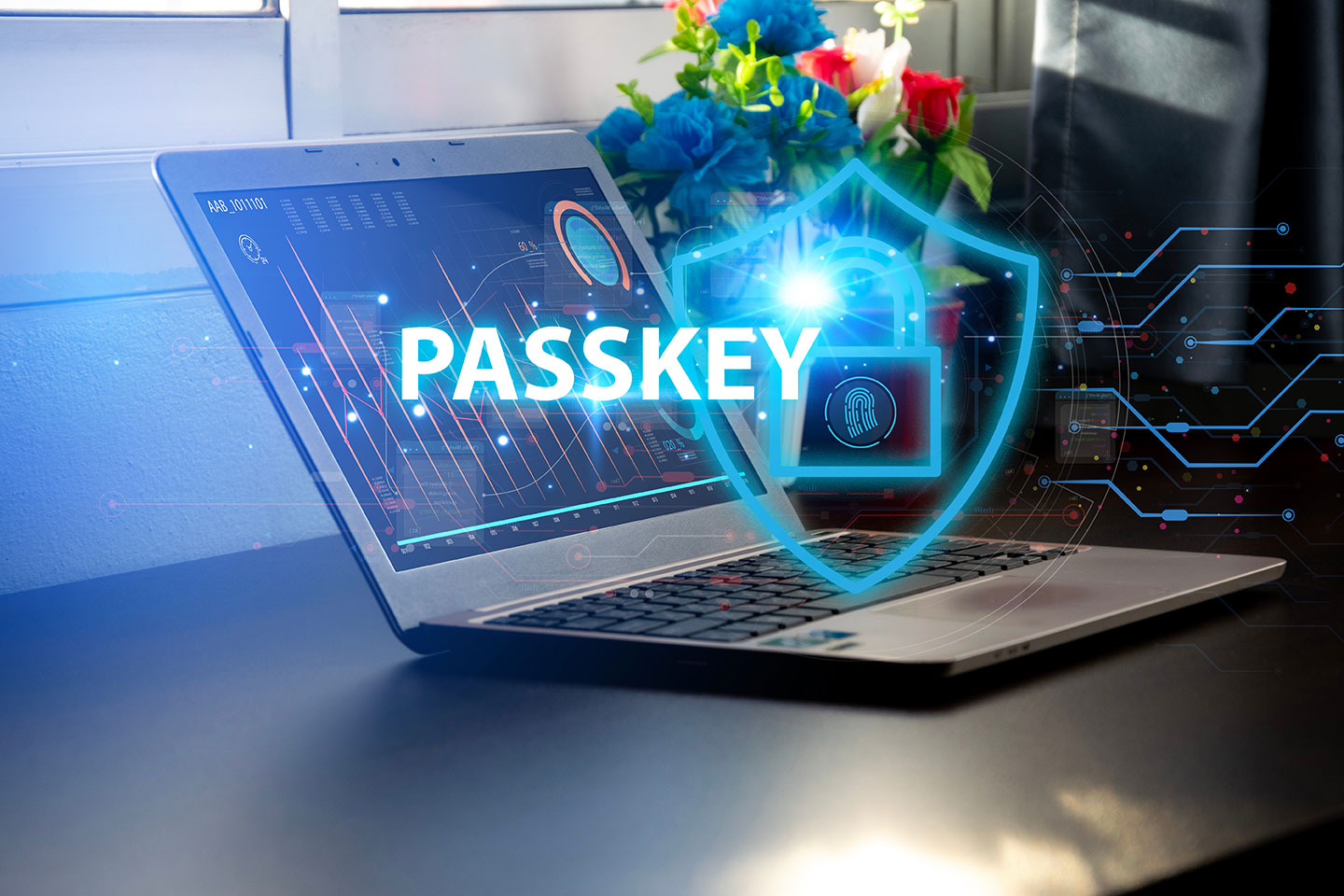
A passkey is a digital credential that lets you sign in to websites and apps without needing a traditional password. Instead of relying on something you know (like a password), passkeys use a combination of something you have (like your phone or computer) and something you are (like a fingerprint or facial recognition).
Passkeys are based on public key cryptography, a tried-and-true method used to protect sensitive data online.
How Are Passkeys Generated?
When you create a passkey for a website or app:
- Your device generates a key pair: a public key and a private key.
- The public key is stored with the website or app.
- The private key stays safely on your device and is never shared.
When you try to log in again, the website sends a challenge to your device. If your device can solve the challenge using the private key (confirmed with Face ID, Touch ID, or your device PIN), you’re in.
No password. No phishing. No problem.
The Benefits of Passkeys
- Stronger security: Passkeys are resistant to phishing, credential stuffing, and brute-force attacks.
- Convenience: No need to remember or manage passwords.
- Fast sign-in: Face ID, fingerprint, or device unlock is all it takes.
- Cross-device sync: Passkeys can sync securely across devices via services like iCloud Keychain or Google Password Manager.
The Risks of Passwords
Passwords have been the weak link in digital security for years:
- Reused passwords make it easy for hackers to break into multiple accounts.
- Weak passwords can be cracked by brute-force attacks.
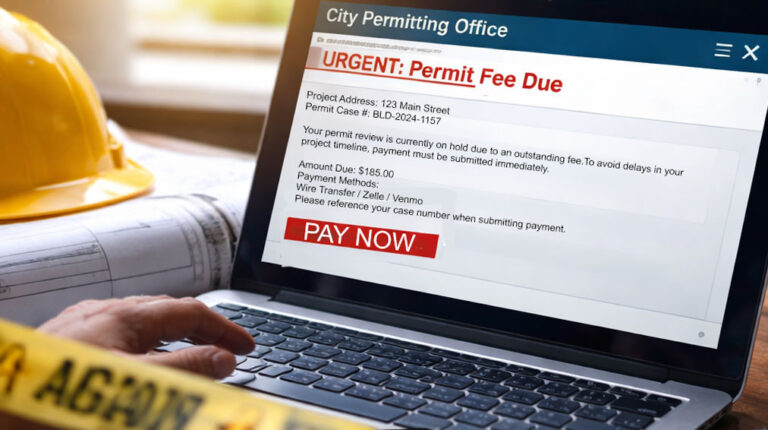
- Phishing scams can trick users into handing over login credentials.
- Password databases can be stolen in data breaches, exposing millions of users.
Even with tools like password managers, the risks persist.
Are Passkeys Safe?
Yes – very safe. Because your private key never leaves your device, there’s nothing for hackers to steal or intercept. And since you don’t type anything in, there’s nothing to phish.
Major tech companies—including Apple, Google, Microsoft, and many others—are rapidly adopting passkeys as the new standard for authentication.
Can I Still use a Password if I have a Passkey?
Yes, you can still use a password, even if you have a passkey. Password managers like LastPass support both passwords and passkeys, so you have flexibility in how you access your vault.
What Should You Do Now?
- Start using passkeys where they’re available. Many popular sites and services now support them.
- Make sure your devices support biometric logins like fingerprint or facial recognition.
- Use a reputable passkey manager like Apple’s iCloud Keychain or Google Password Manager to sync across your devices.
Not Ready for Passkeys? Use a Password Manager
If you’re not using passkeys yet, the next best step you can take is to use a reputable password manager, such as LastPass.
LastPass helps you:
- Generate strong, unique passwords for every account.
- Store them securely in an encrypted vault.
- Automatically fill them in across devices for easy access.
Even better, LastPass now supports passkeys, allowing you to:
- Create passkeys for compatible websites and apps.
- Store them securely alongside your traditional passwords.
- Use biometric authentication (like Face ID or fingerprint) to log in with ease.
It’s a seamless way to start transitioning to a more secure, password-free future, without giving up convenience.